
This is one of the first questions local business owners ask, and they should.
If someone cannot talk about AI workflow cost in plain English, they probably are not ready to scope the work properly.
The short answer
For most small and midsize businesses in Lethbridge and Southern Alberta, the first practical AI workflow implementation usually falls into one of these ranges:
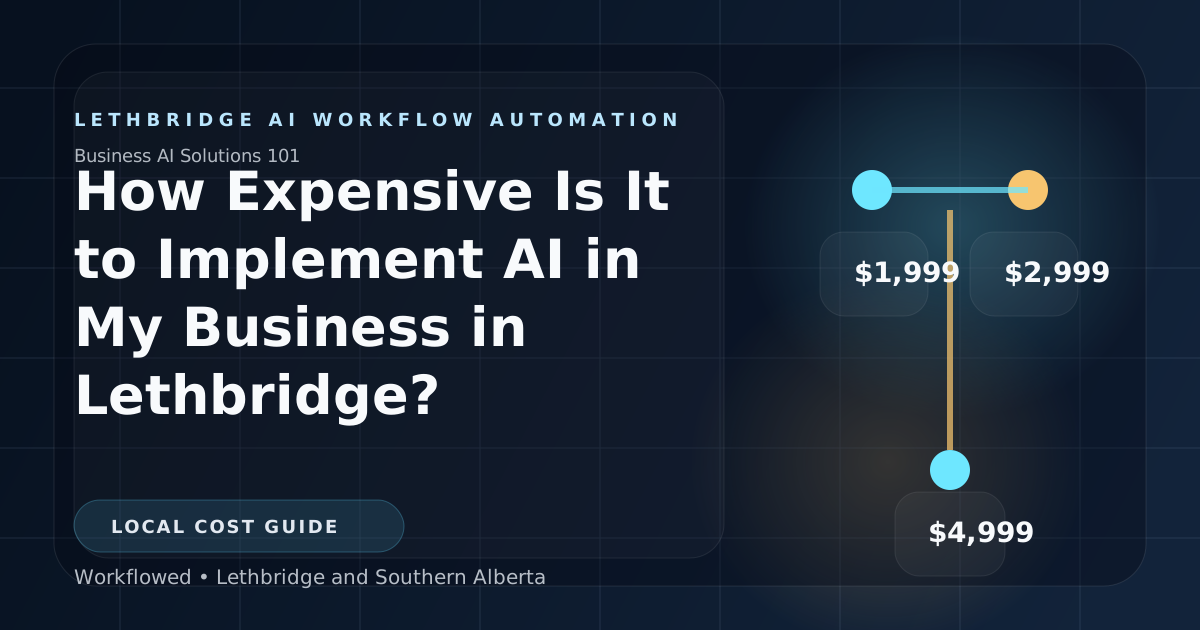
Starter:$1,999Pro:$2,999Advanced:$4,999
Those are implementation prices, not vague consulting retainers.
They make sense when the business is improving one real operational workflow, not trying to automate everything at once.
What those prices are actually buying
The cost is not just for “AI.”
It is for the work around the workflow:
- understanding how the process runs now
- identifying where the admin drag is
- building the workflow logic
- connecting the systems involved
- handling the custom glue work around imperfect software
- getting the first version usable by the team
That matters because many local businesses are not running on a clean modern stack. They are running on a practical mix of accounting software, industry software, spreadsheets, inboxes, and manual workarounds.
That is why implementation cost is tied to workflow complexity and integration scope, not just to how many “AI features” someone lists in a proposal.
A better way to think about cost
Instead of asking, “How much does AI cost?” ask:
“How much does it cost to clean up one workflow that is wasting time every week?”
That reframes the decision properly.
A focused implementation can be worth it when it reduces:
- repeated admin handling
- dropped handoffs
- approval chase
- work-order or job-file cleanup
- billing delay caused by missing records
Those are real operating costs the business is already paying.
What changes the price
Number of workflows
One clean workflow is cheaper than trying to improve four related processes at once.
Number of systems involved
If the workflow only touches one or two systems, scope is simpler.
If it has to bridge several tools, plus spreadsheets and manual side channels, the build gets heavier.
Condition of the current process
If the workflow is already understandable, implementation is more direct.
If nobody can explain who owns what or how the process is supposed to move, there is more process work before the build can even start.
Amount of custom connection work
Some local software stacks are straightforward.
Some require more custom logic because the systems do not talk cleanly to each other.
That is where implementation complexity usually shows up.
The cost most owners miss
Implementation is not the only cost category.
There is also ongoing support and operating cost.
For this site’s current pricing model, there is a mandatory support package on implementation projects, plus a hosting and AI operating option:
Basic Support:$199/monthor$1,999/yearPro Support:$499/monthor$4,999/yearHosting & AI:$99.99/month, including hosting plus the first$25.00in AI API usage, with overage billed on actual usage
That ongoing layer matters because workflows usually need:
- small adjustments
- bug fixes
- changes as the business evolves
- monitored hosting if the workflow is live in daily operations
Owners should price the project honestly by looking at both implementation and ongoing support, not just the first invoice.
What a realistic first spend looks like
A realistic first spend for a local business is usually:
- one implementation package
- one support package
- hosting and AI cost if the workflow needs to stay live
That is a much more honest way to evaluate the project than assuming the only cost is the initial build.
When the project is probably too expensive
The project is probably too expensive if:
- the workflow is rare
- the process is too inconsistent to define
- the business impact is weak
- the proposal is broad but the bottleneck is still unclear
In those cases, the answer is not “AI is too expensive.” The answer is usually “this is the wrong first project.”
When the project is usually worth the cost
The spend starts making sense when the workflow:
- happens often
- ties up experienced staff
- creates repeated re-entry or follow-up
- slows quoting, dispatch, invoicing, or internal coordination
- has a clear before-and-after if improved
That is how a business should judge the price.
What owners in Lethbridge should actually compare
Do not compare the project only against the cheapest software subscription or the cheapest offshore quote.
Compare it against:
- how much office time the workflow is already wasting
- how much owner or manager attention it keeps consuming
- how often the same bottleneck slows revenue or billing
- what it would cost to keep carrying the manual version for another year
That is the practical comparison.
The useful answer
For a Lethbridge business, AI workflow implementation is usually not “cheap,” but it also does not need to be a giant enterprise project.
If the first workflow is chosen properly, the real question is whether the business wants to keep paying the current operational tax or pay to remove it.